Find Apple receipts
Connect Gmail with read-only access and choose how far back you want to scan.
 Reconsider It
Spend smarter. Play happier.
Reconsider It finds gaming purchases in your Apple receipts, organizes your spending, and shows whether you’re staying within your monthly budget.
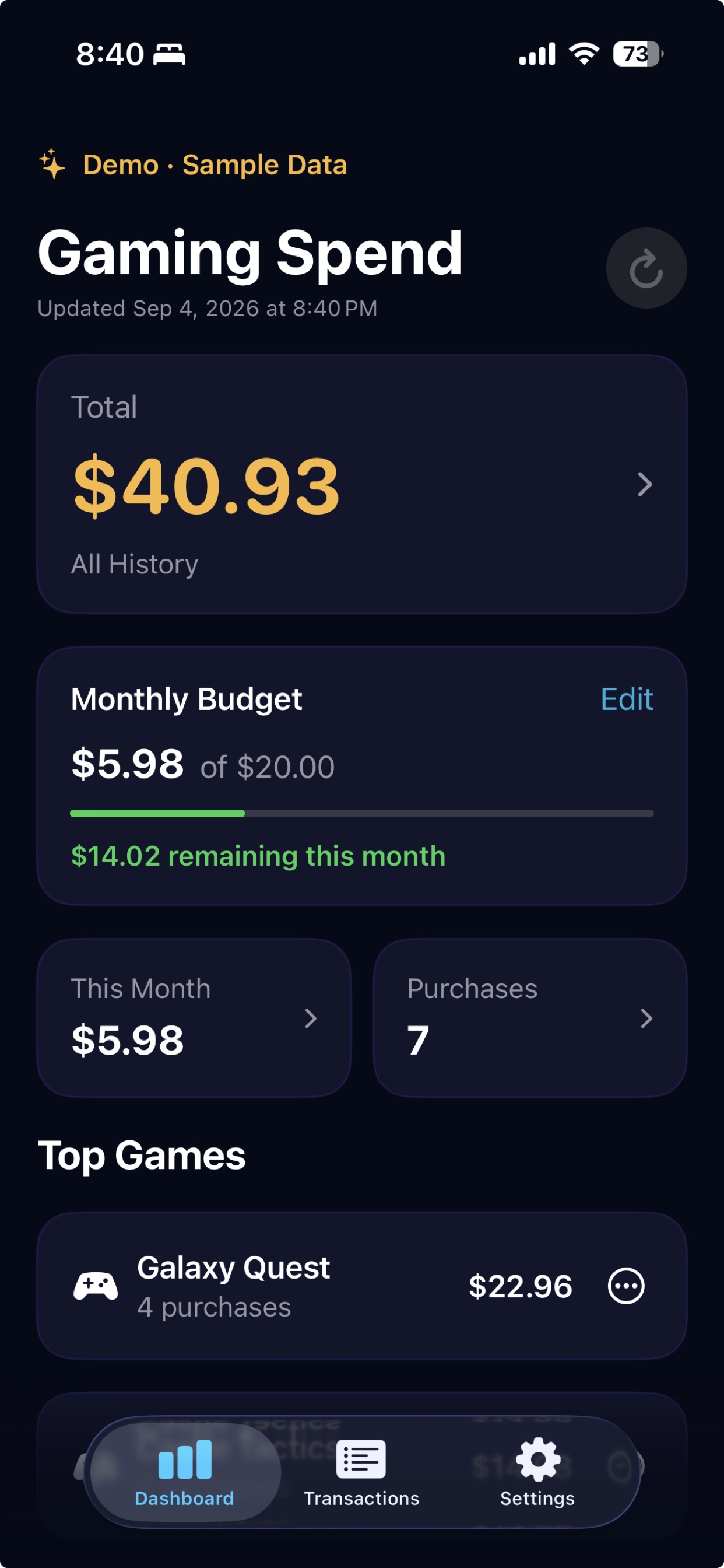
Your spending, made clear
See the full picture without manually entering every purchase.
Connect Gmail with read-only access and choose how far back you want to scan.
Review detected games and remove anything that does not belong.
Explore monthly totals, individual transactions, and your top games.
Set a monthly gaming budget and immediately see whether you are under or over.
Three simple steps
Choose the account that receives your Apple purchase receipts.
Confirm the apps that count as games so your totals stay accurate.
Check totals, monthly trends, transactions, and budget progress in one place.
A clearer relationship with gaming spend starts with knowing the numbers.
Designed for iPhone